
Exporting data
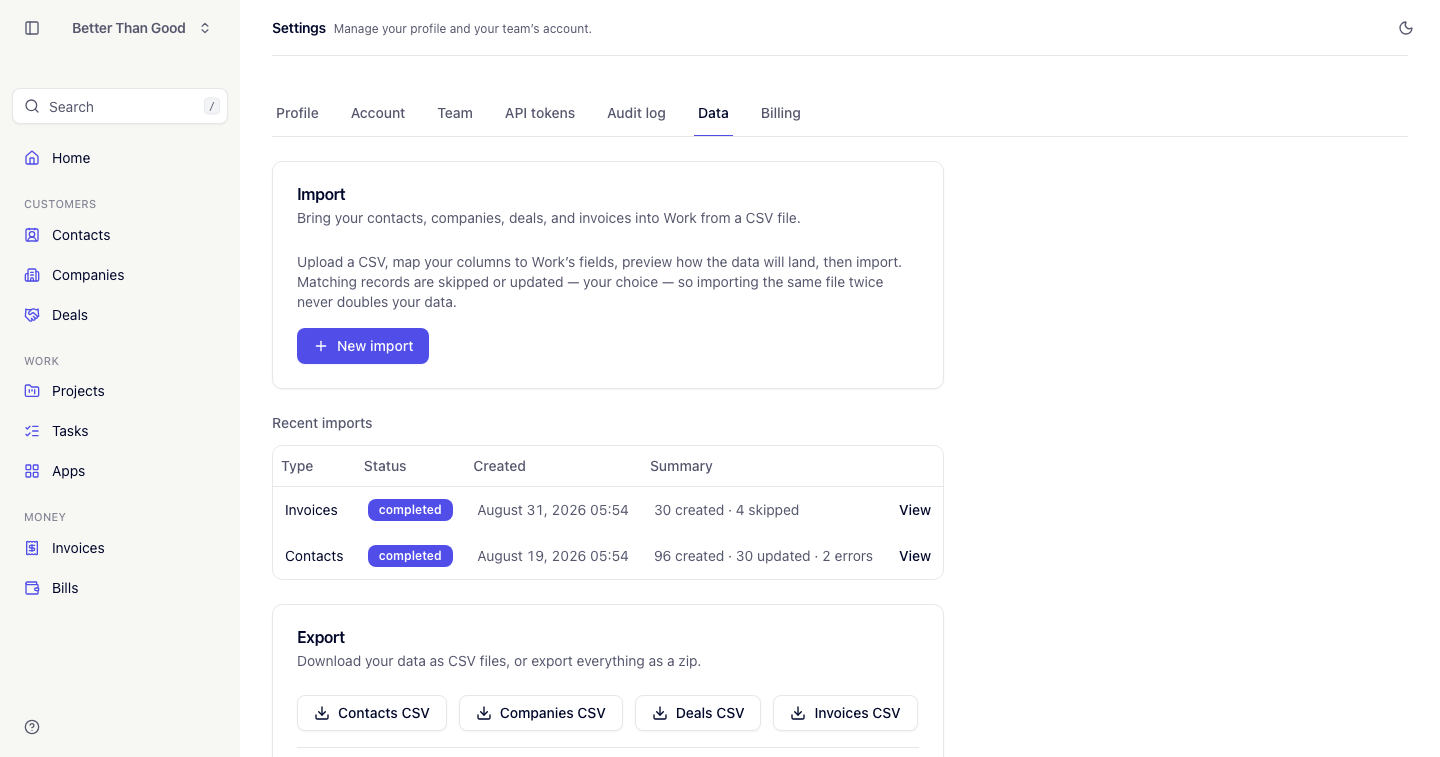
Exports are at Settings → Data. Exporting is admin-only.
Single-type CSVs
Four buttons, one per record type: Contacts, Companies, Deals, Invoices. Each downloads a CSV of every record of that type in the account.
These files use the same columns the importer accepts. The invoice export has one row per line item, the same shape an invoice import reads back — rows sharing an invoice number re-group into one invoice on the way in.
Export everything
Export everything produces a zip containing contacts, companies, deals and invoices as CSV files. It runs in the background and shows a Download zip button with the generation time when finished.
Audit log export
The audit log has its own export. Export CSV downloads the trail as currently filtered, named audit-log-YYYY-MM-DD.csv.
Other record types
CSV export covers contacts, companies, deals and invoices. For projects and tasks, or for JSON output, use the API or the CLI:
work invoices list --per-page 100 > invoices.json